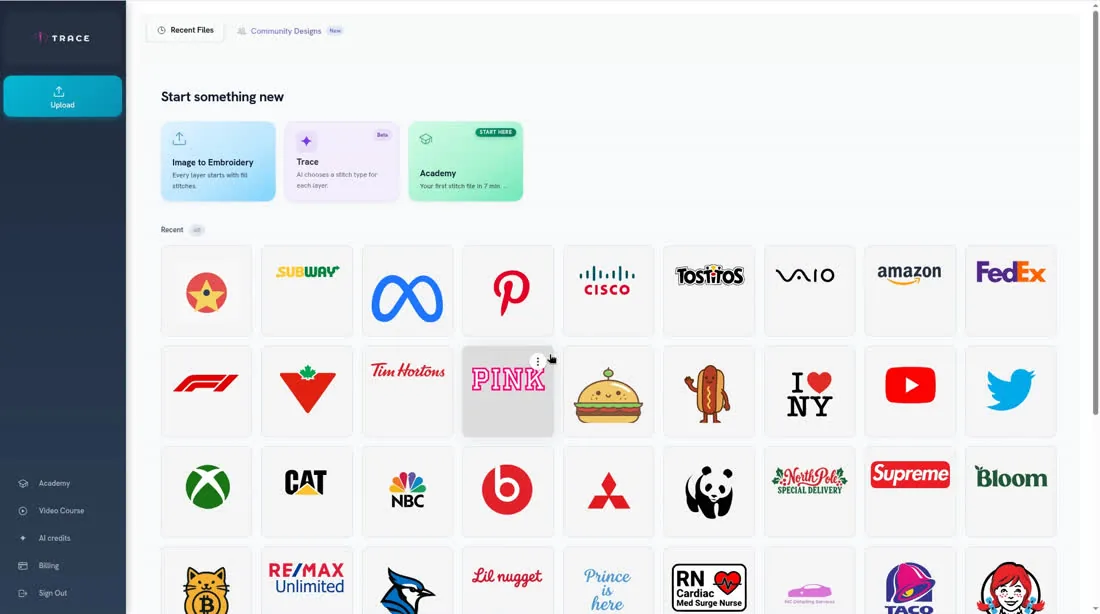
Chapters
- 1What is EmbroideryTrace?
- 2Create an account
- 3Sign in
- 4Upload your image
- 5Separate colours
- 6Use Trace
- 7Meet the Stitch Editor
- 8Choose a stitch type
- 9Set satin
- 10Edit shapes
- 11Save and reopen your design
- 12Pick your hoop
- 13Preview your design
- 14Export and stitch on your machine
- 15Free Plan and Pro
- 16Credits
- 17If something looks wrong
- 18FAQ
- 19Get help
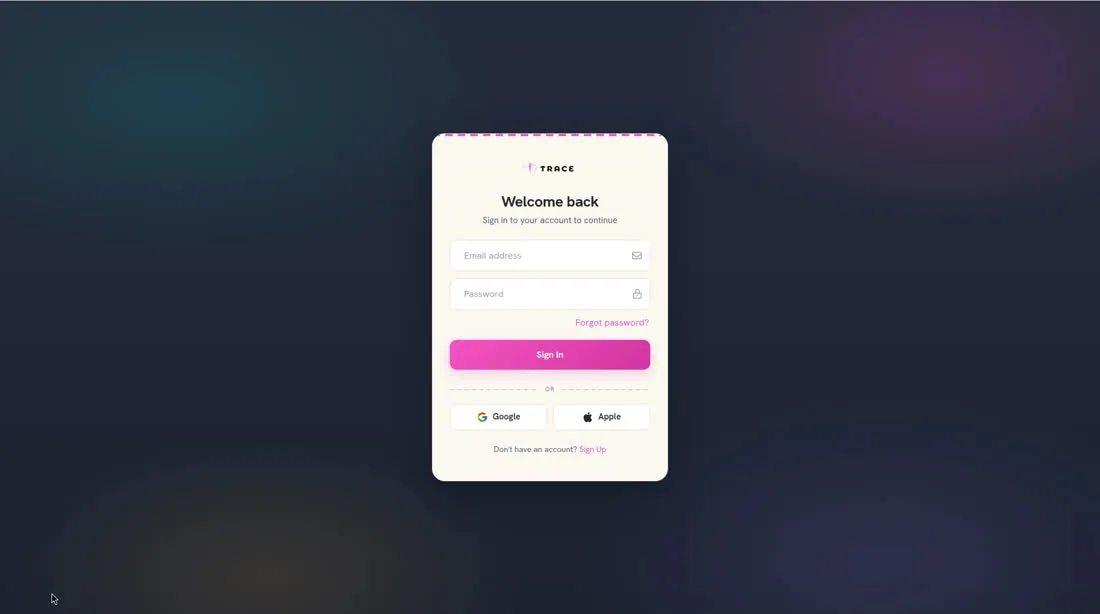
If you already have an account, go to https://app.embroiderytrace.com/signin. The page is titled Welcome back. You can also continue with Google or Apple.
To sign in
- 2
Enter your Email address and Password, or choose Google or Apple. If you have forgotten your password, click Forgot password?.
- 3
Click Sign In. After you sign in, the app opens Home.