Chapters
- 1What is EmbroideryTrace?
- 2Create an account
- 3Sign in
- 4Upload your image
- 5Separate colours
- 6Use Trace
- 7Meet the Stitch Editor
- 8Choose a stitch type
- 9Set satin
- 10Edit shapes
- 11Save and reopen your design
- 12Pick your hoop
- 13Preview your design
- 14Export and stitch on your machine
- 15Free Plan and Pro
- 16Credits
- 17If something looks wrong
- 18FAQ
- 19Get help
If you want a guided start, open Academy or Video Course in the sidebar. There is also a free beginner course at https://www.embroiderytrace.com/help/course/.
For account or stitch-file questions, email support@embroiderytrace.com. The Billing page also has this address.
To get help in the app
- 1
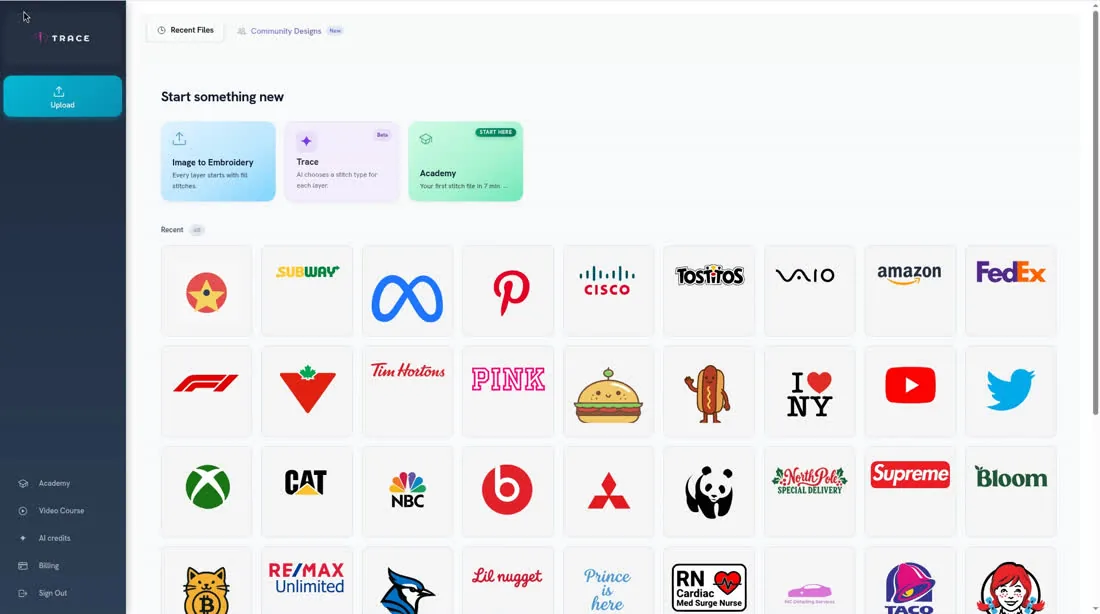
Open Academy or Video Course in the sidebar for lessons.
- 2
Or email support@embroiderytrace.com and say what you were trying to do.