Chapters
- 1What is EmbroideryTrace?
- 2Create an account
- 3Sign in
- 4Upload your image
- 5Separate colours
- 6Use Trace
- 7Meet the Stitch Editor
- 8Choose a stitch type
- 9Set satin
- 10Edit shapes
- 11Save and reopen your design
- 12Pick your hoop
- 13Preview your design
- 14Export and stitch on your machine
- 15Free Plan and Pro
- 16Credits
- 17If something looks wrong
- 18FAQ
- 19Get help
The Stitch Editor is where you refine your design before you export it. The picture sits on the canvas in the middle.
Stitch Colors lists each thread colour. Click Stitch to set Fill, Satin, or Running. The toolbar also has Select, plus Split, Erase, Draw, Fill, Offset, and Cut.
To look around
- 1
Open a design so you are in the Stitch Editor.
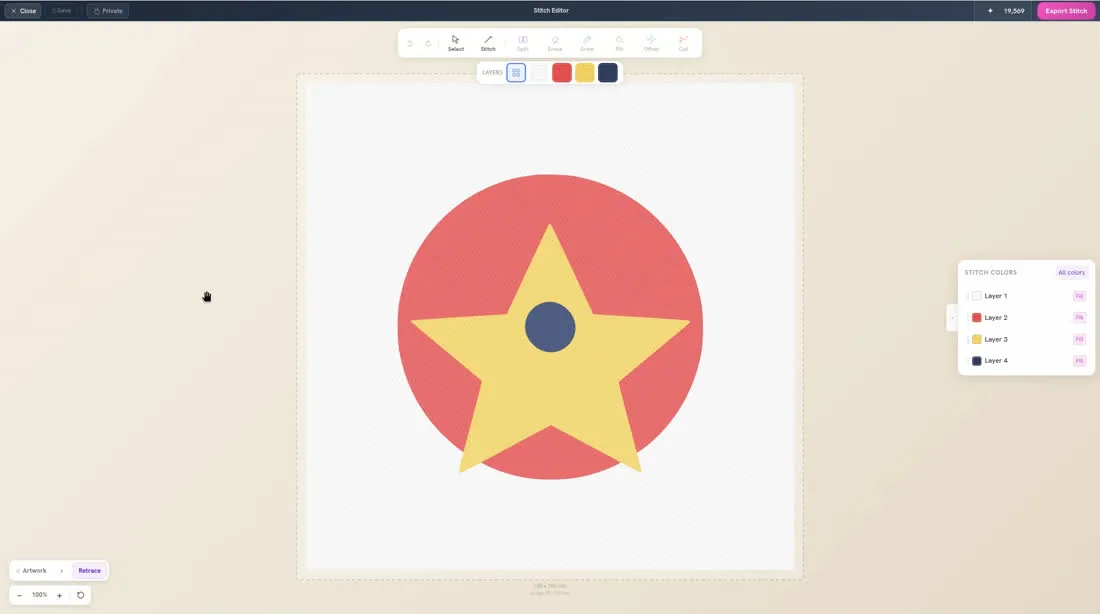
- 2
Click a row in Stitch Colors to work on one colour.
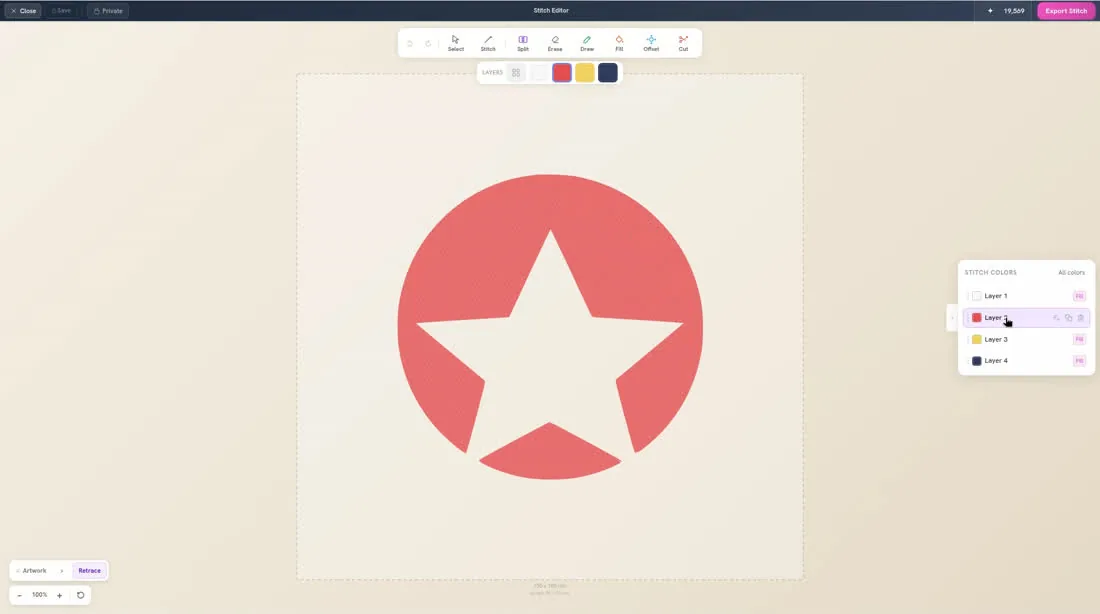
- 3
Find Select, Stitch, and the editing tools along the toolbar.