Chapters
- 1What is EmbroideryTrace?
- 2Create an account
- 3Sign in
- 4Upload your image
- 5Separate colours
- 6Use Trace
- 7Meet the Stitch Editor
- 8Choose a stitch type
- 9Set satin
- 10Edit shapes
- 11Save and reopen your design
- 12Pick your hoop
- 13Preview your design
- 14Export and stitch on your machine
- 15Free Plan and Pro
- 16Credits
- 17If something looks wrong
- 18FAQ
- 19Get help
After you upload a picture, EmbroideryTrace splits it into colour layers automatically. This is not Trace, and the image analysis on upload uses credits.
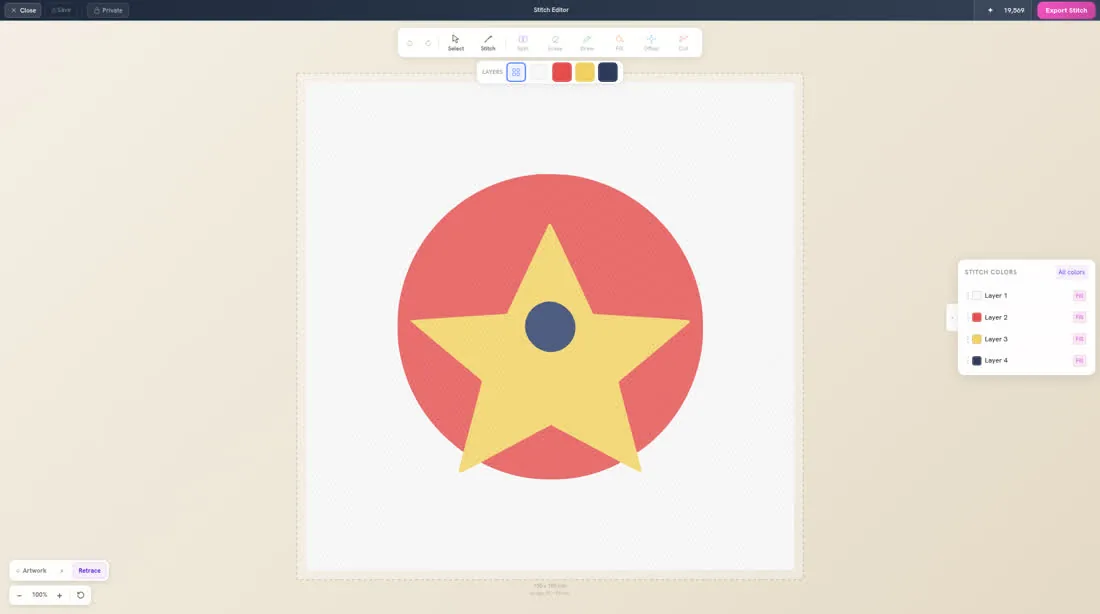
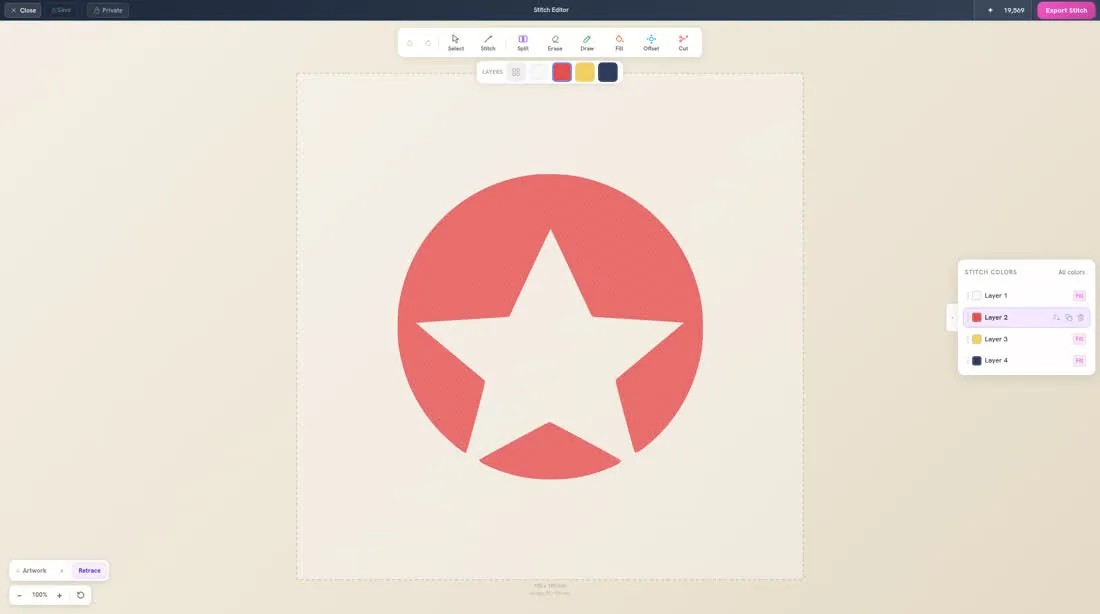
Each row in Stitch Colors is one thread colour. Click a row to work on that colour. Click All colors when you want to see the whole design again.
To review your colours
- 1
Open your design in the Stitch Editor.
- 2
Look at each row in Stitch Colors. Click a row to select that colour.
- 3
Click All colors when you want to see every colour together again.